What should I do immediately after spilling liquid on my MacBook?
Power it off, disconnect power, and avoid trying to restart it. Bring it in quickly to reduce corrosion and improve recovery chances.

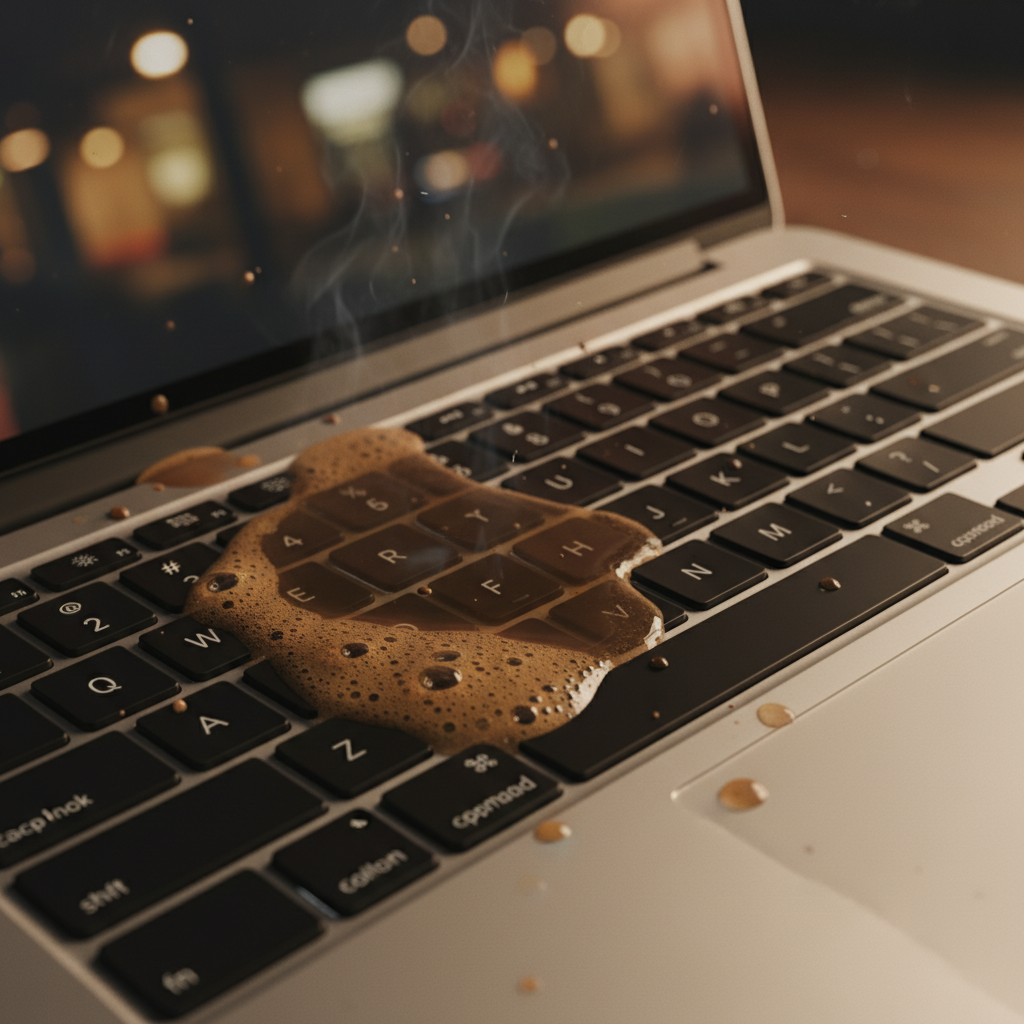
Spilled coffee, water, or any liquid on your MacBook? Time is critical. Our technicians perform ultrasonic cleaning of logic boards, replace corroded components, and restore your MacBook to full functionality. We handle MacBook Air and MacBook Pro models of all years.
While less common, iMac liquid damage does occur — especially from spills near the base or flooding events. We carefully disassemble, clean, and repair all affected components. Our clean-room techniques prevent further corrosion during the repair process.
Liquid damage often affects the logic board — the most critical and expensive component. Rather than replacing the entire board, our skilled technicians perform component-level repairs, saving you significant cost while restoring full functionality.
Our advanced recovery techniques achieve a 90% success rate even from liquid-damaged drives.
Trusted, Tested, and Top-Rated since 1987. Decades of experience in computer repair.
Many liquid damage repairs can be assessed and begun the same day you bring your device in.
For urgent liquid damage cases, we support nearby areas including La Jolla, Downtown San Diego, Kearny Mesa, Mission Valley, Carlsbad, Oceanside, and Encinitas.
Power it off, disconnect power, and avoid trying to restart it. Bring it in quickly to reduce corrosion and improve recovery chances.
Often yes. We perform component-level diagnostics and repairs when feasible, which can reduce overall repair cost.
Yes. We provide data recovery services for many liquid-damaged Macs, depending on storage condition and damage severity.
Have a Queries? Work enquiries? Drop us an email and we shall get back to you in a working day.